Faceless video stack
Paid vs Free AI Tools for Faceless YouTube Channels (2026)
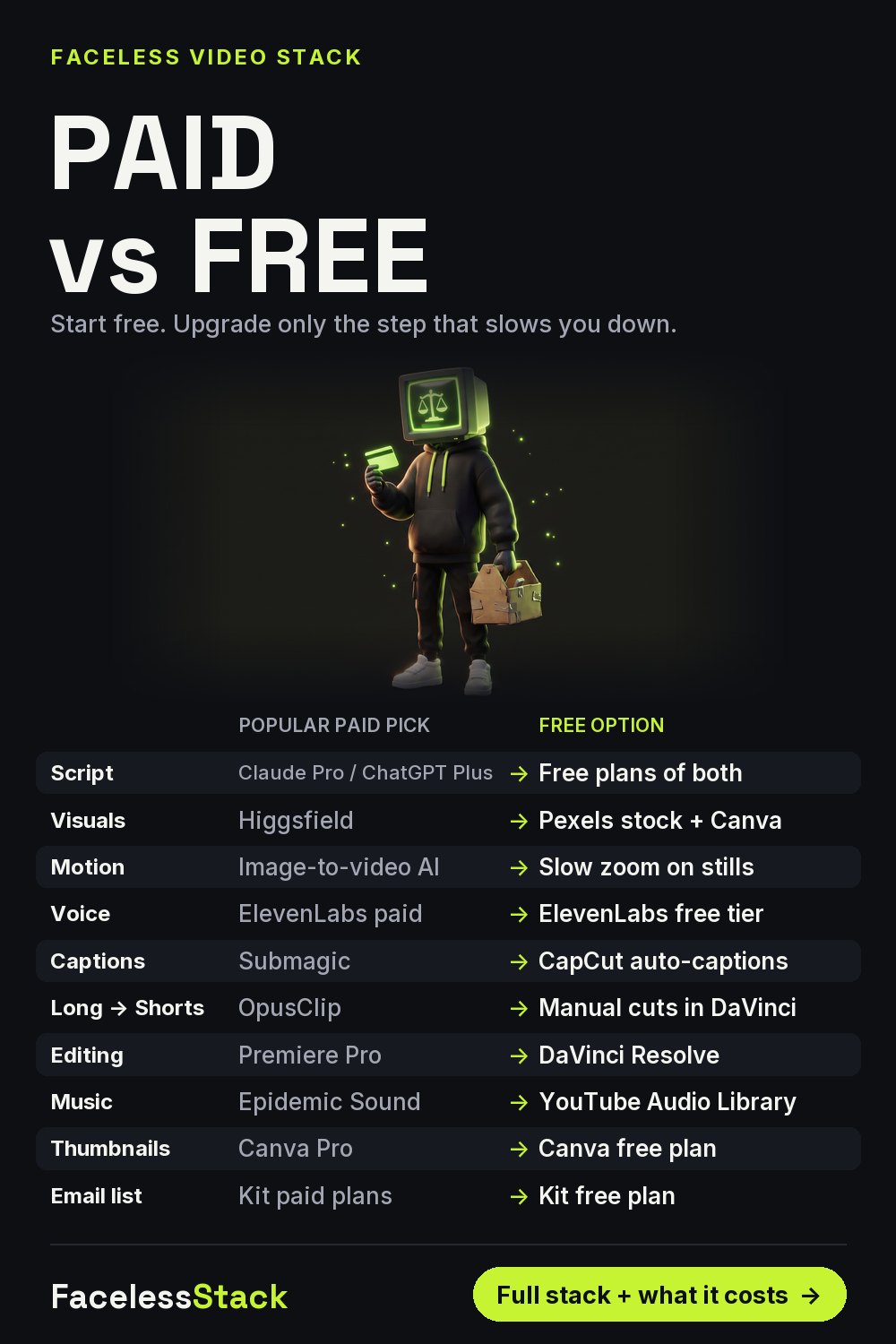
Every paid tool in a faceless video stack has a free option that's good enough to start. Here's the pair for each step, and the one rule I use to decide when to upgrade: pay only for the step that's slowing you down this week.
| Step | Popular paid pick | Free option |
|---|---|---|
| Script | Claude Pro / ChatGPT Plus | Free plans of both |
| Visuals | Higgsfield | Pexels stock + Canva |
| Motion | Image-to-video AI | Slow zoom on stills |
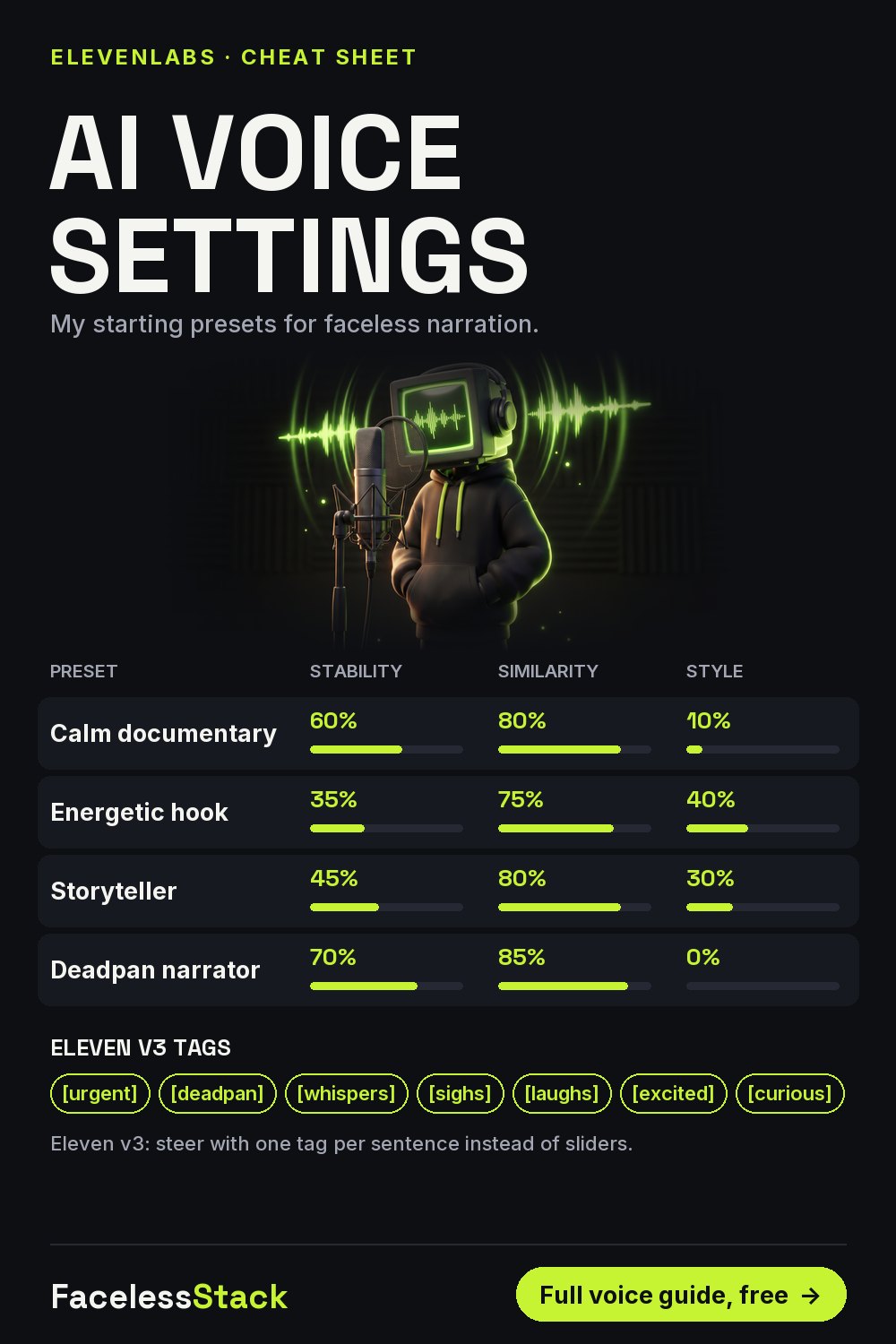
| Voice | ElevenLabs paid | ElevenLabs free tier |
| Captions | Submagic | CapCut auto-captions |
| Long → Shorts | OpusClip | Manual cuts in DaVinci |
| Editing | Premiere Pro | DaVinci Resolve |
| Music | Epidemic Sound | YouTube Audio Library |
| Thumbnails | Canva Pro | Canva free plan |
| Email list | Kit paid plans | Kit free plan |
Free plans have limits and prices change. Check each tool's current terms before you rely on it.
Save this for later:
Get the free Faceless Shorts Starter Kit
9 pages: the 1-hour workflow, 15 visual prompts, voice presets, caption rules, a real credit-cost sheet and a 30-day calendar.
Free. One useful email a week. Unsubscribe anytime.
The stack I actually use
Some links below may be affiliate links. If you subscribe through them I may earn a commission, at no extra cost to you. I've listed a free option next to each one.
| Job | Tool I use | Why | Free option |
|---|---|---|---|
| Visuals | Higgsfield | Cinematic motion and consistent characters | Pexels stock + Canva |
| Voice | ElevenLabs | The most natural narration I've tested | ElevenLabs free tier |
| Captions & edit | Submagic | Animated captions in minutes | CapCut auto-captions |
| Email list | Kit | Owning your audience | Kit free plan |
More free guides
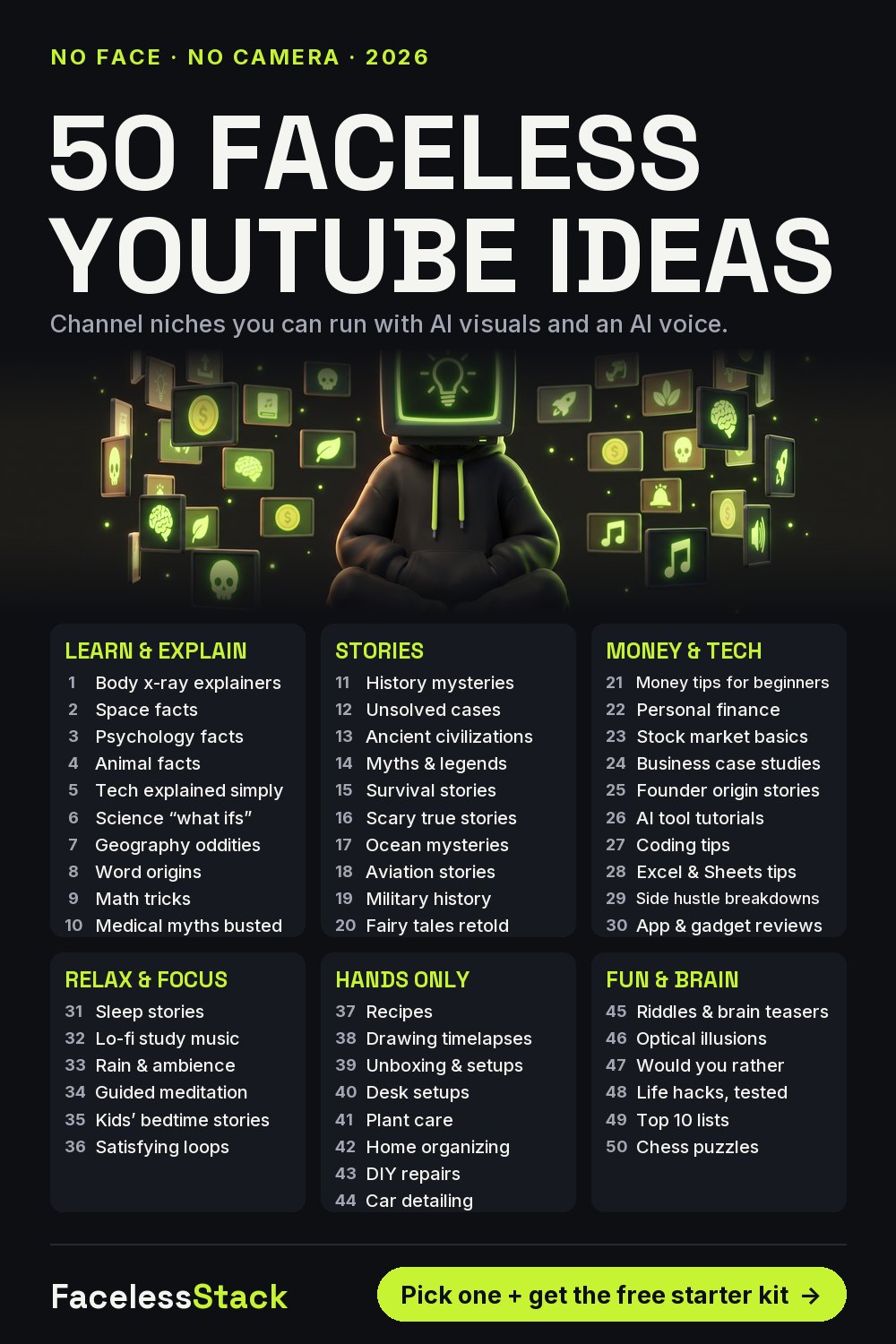
50 Faceless YouTube Channel Ideas for Beginners (2026)
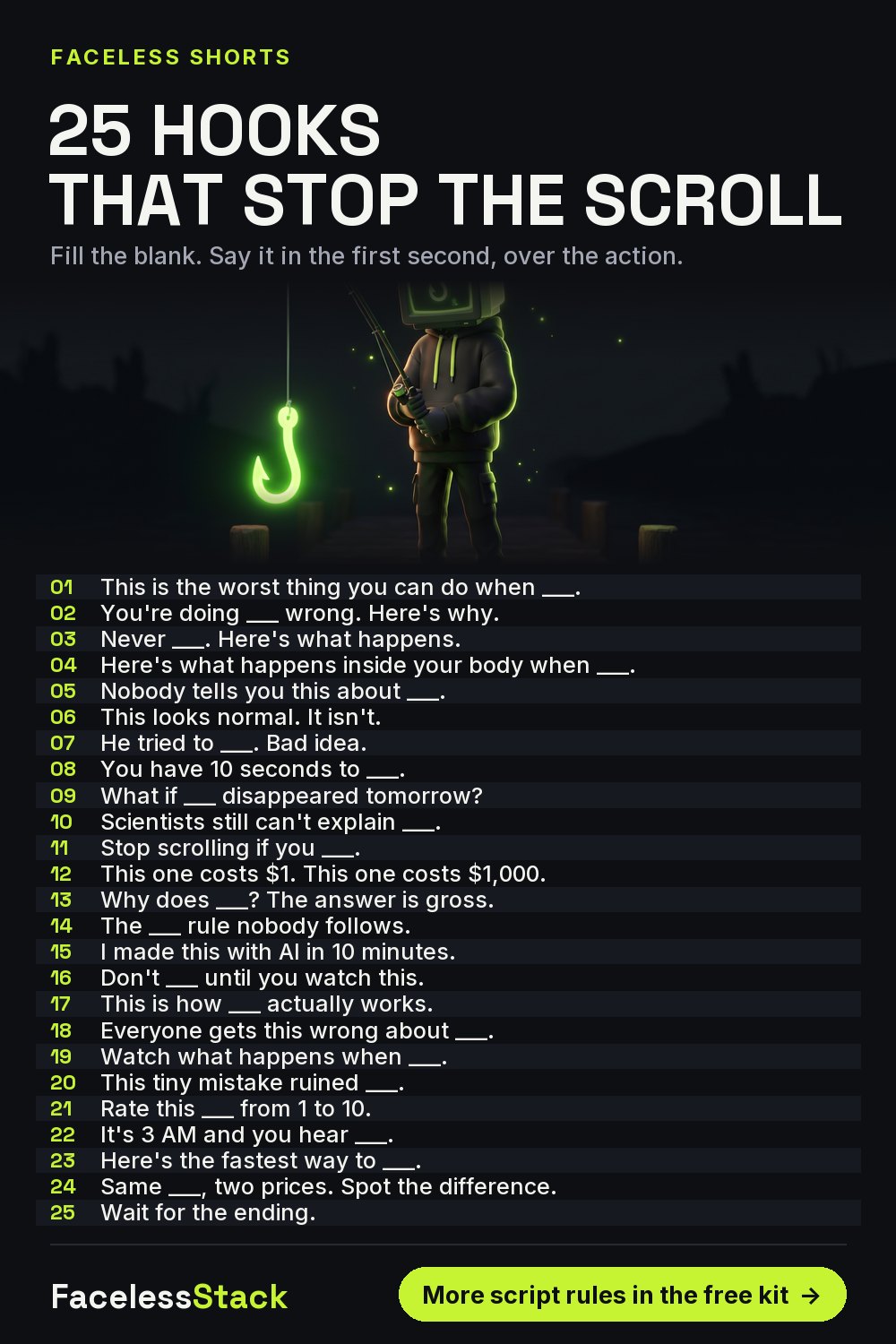
25 YouTube Shorts Hooks That Stop the Scroll (Faceless Channels)
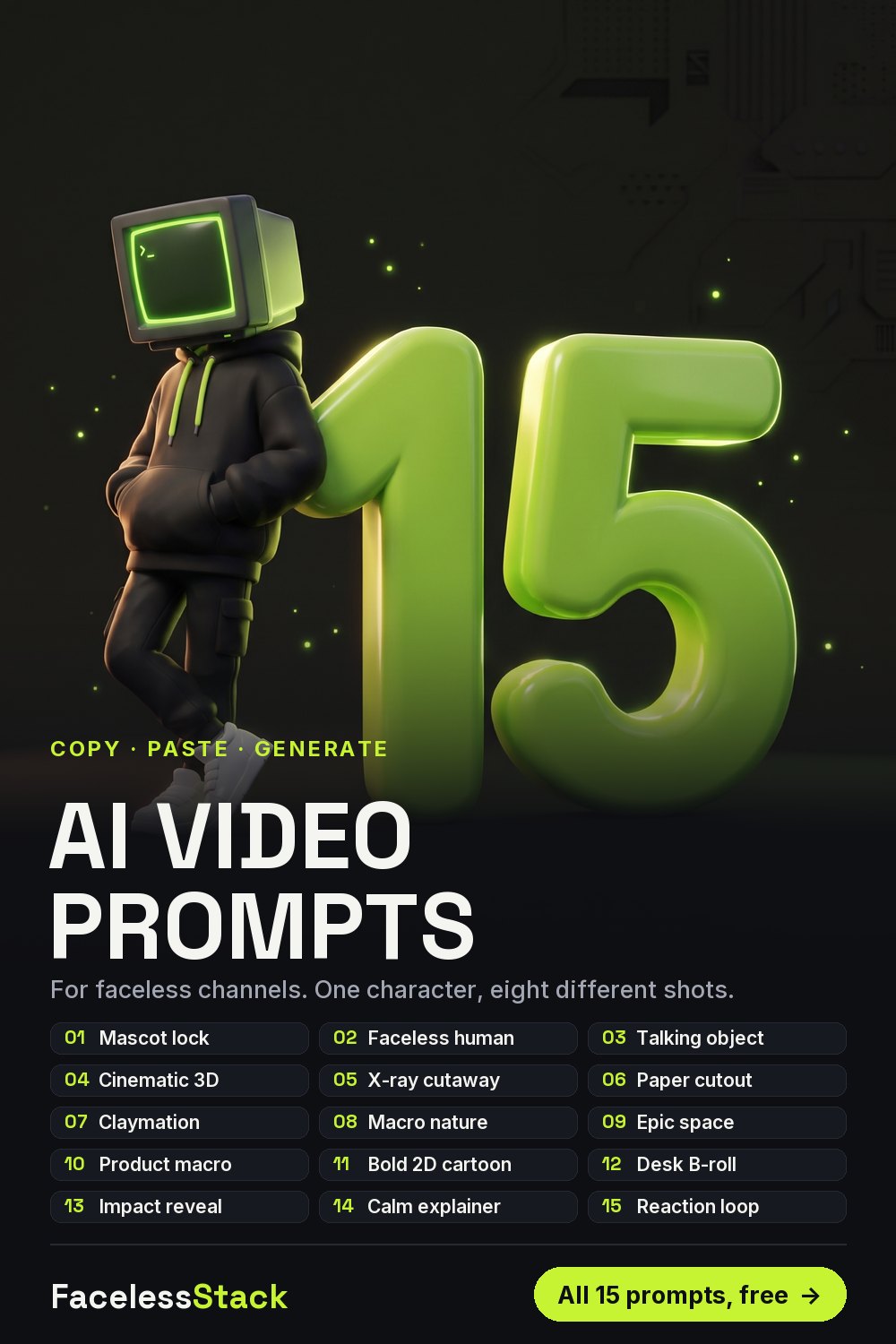
15 AI Image & Video Prompts for Faceless YouTube Shorts
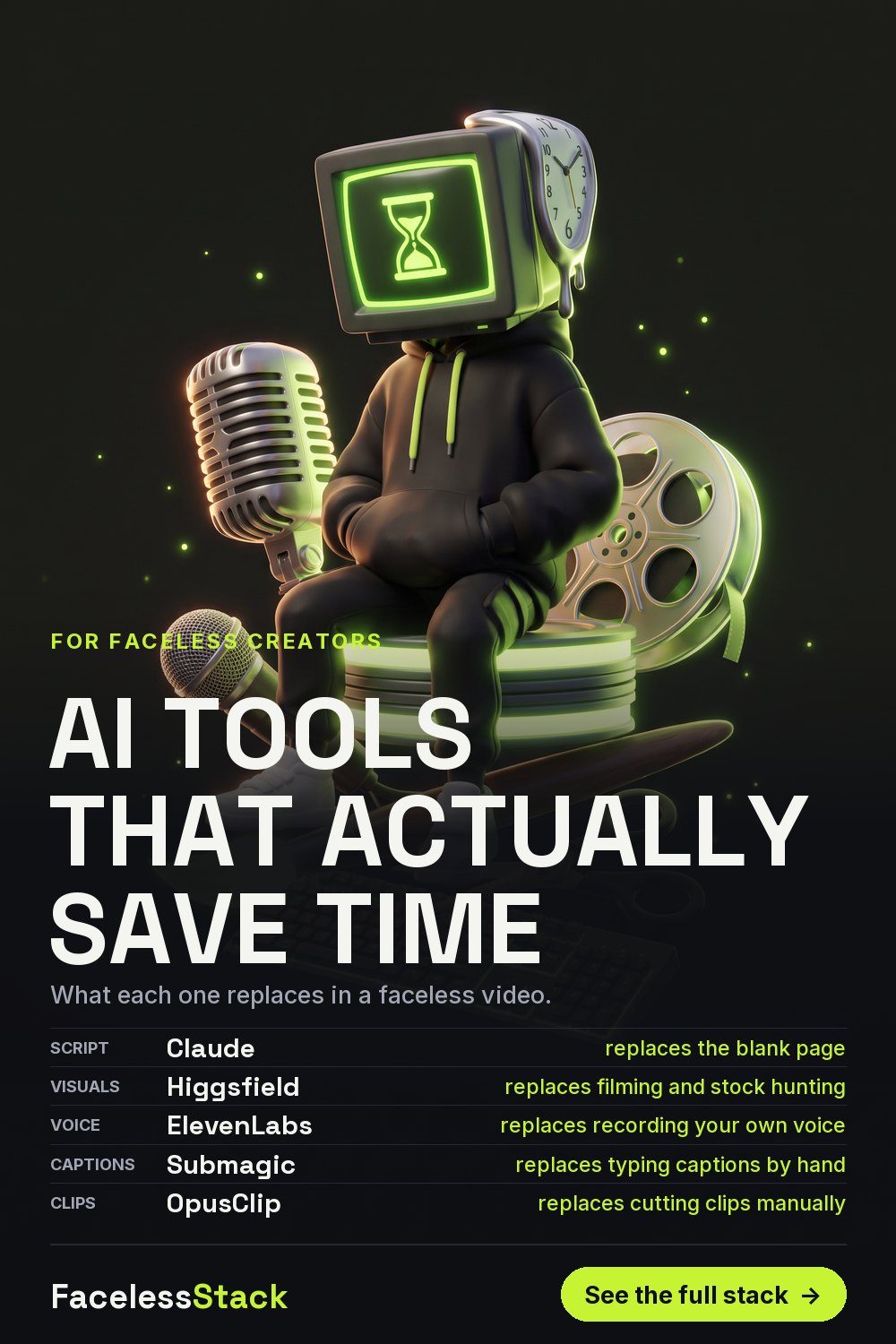
AI Tools That Actually Save Time for Faceless Content Creators
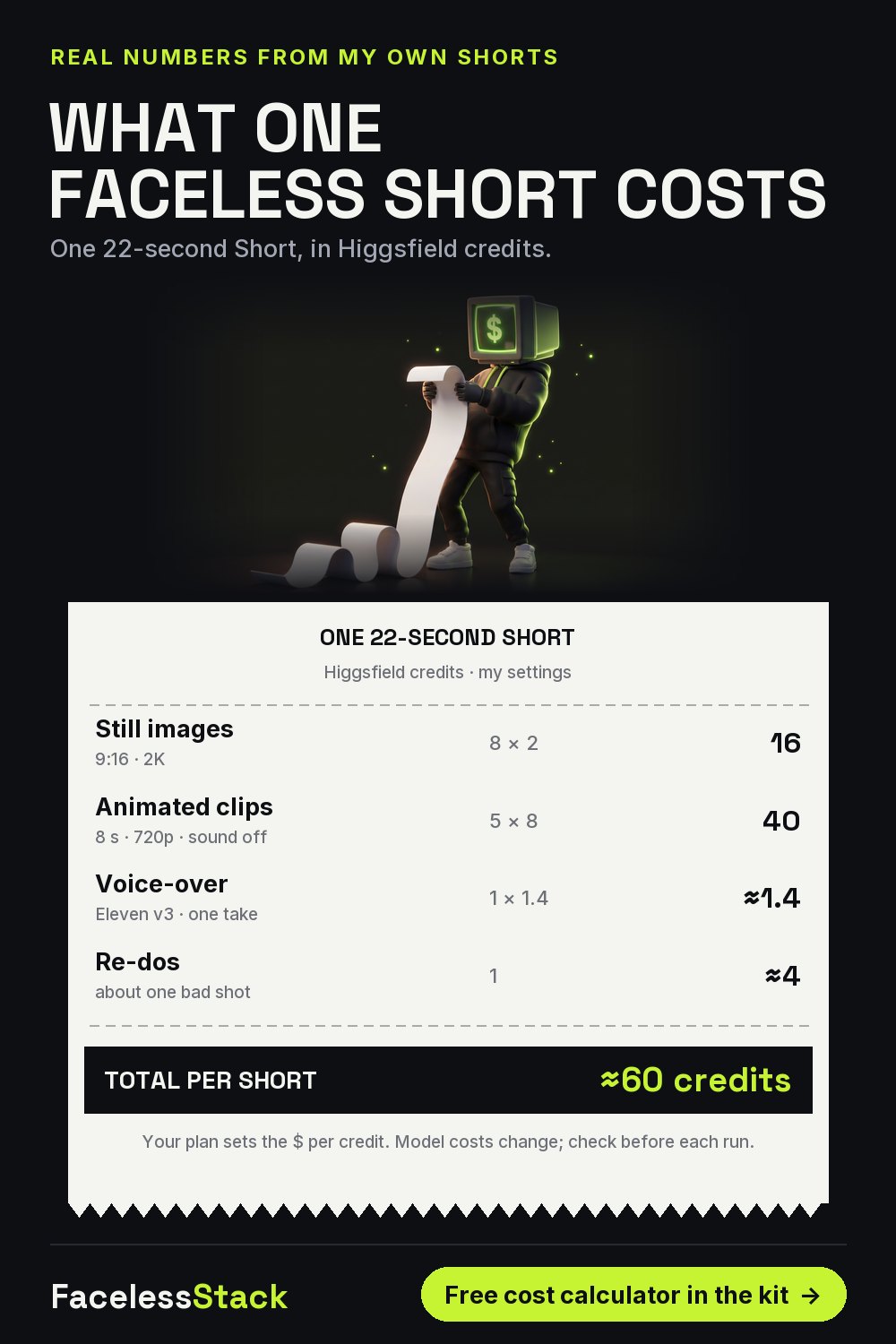
What One Faceless YouTube Short Really Costs (AI Credits Breakdown)
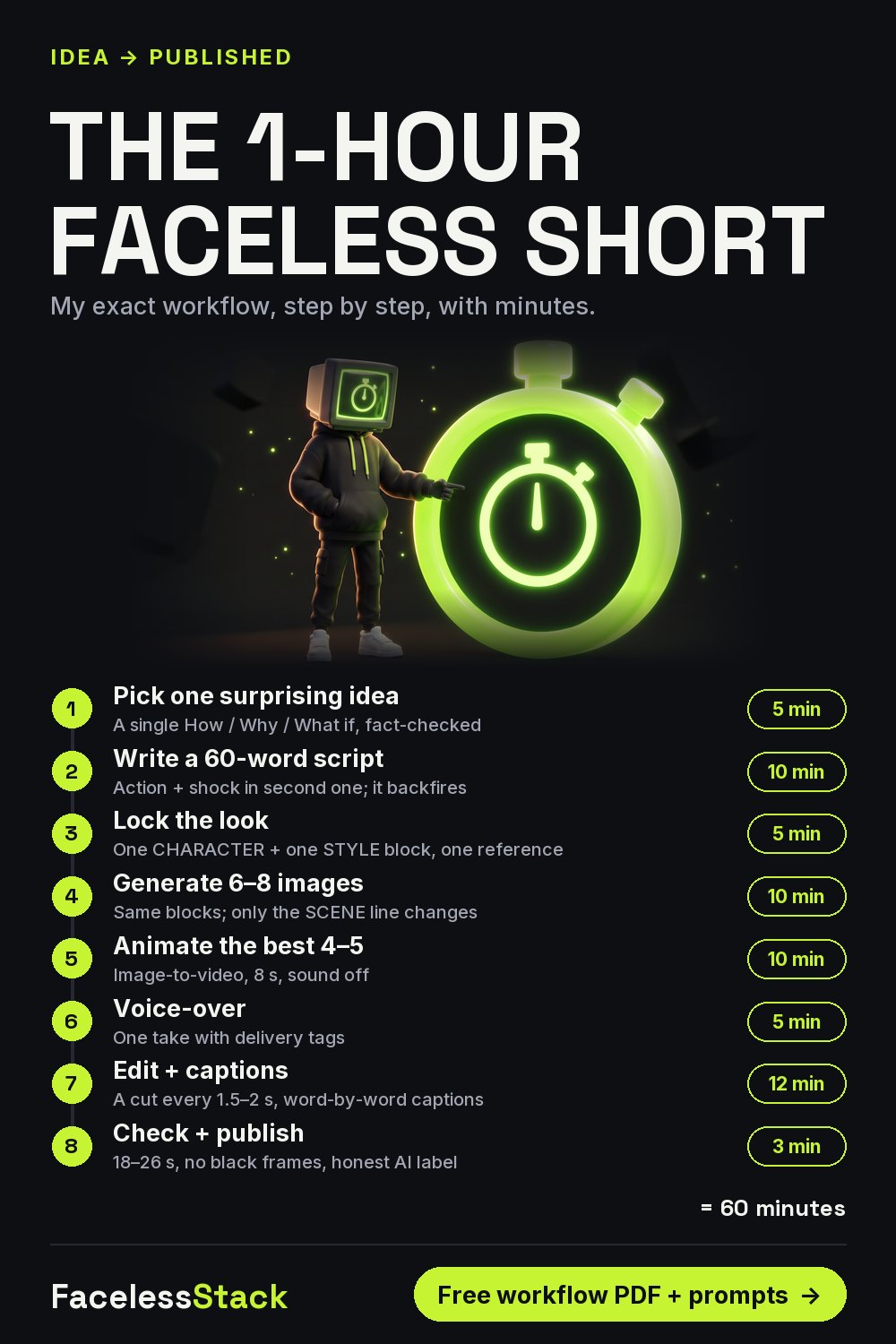
How to Make a Faceless YouTube Short in 1 Hour (AI Workflow)
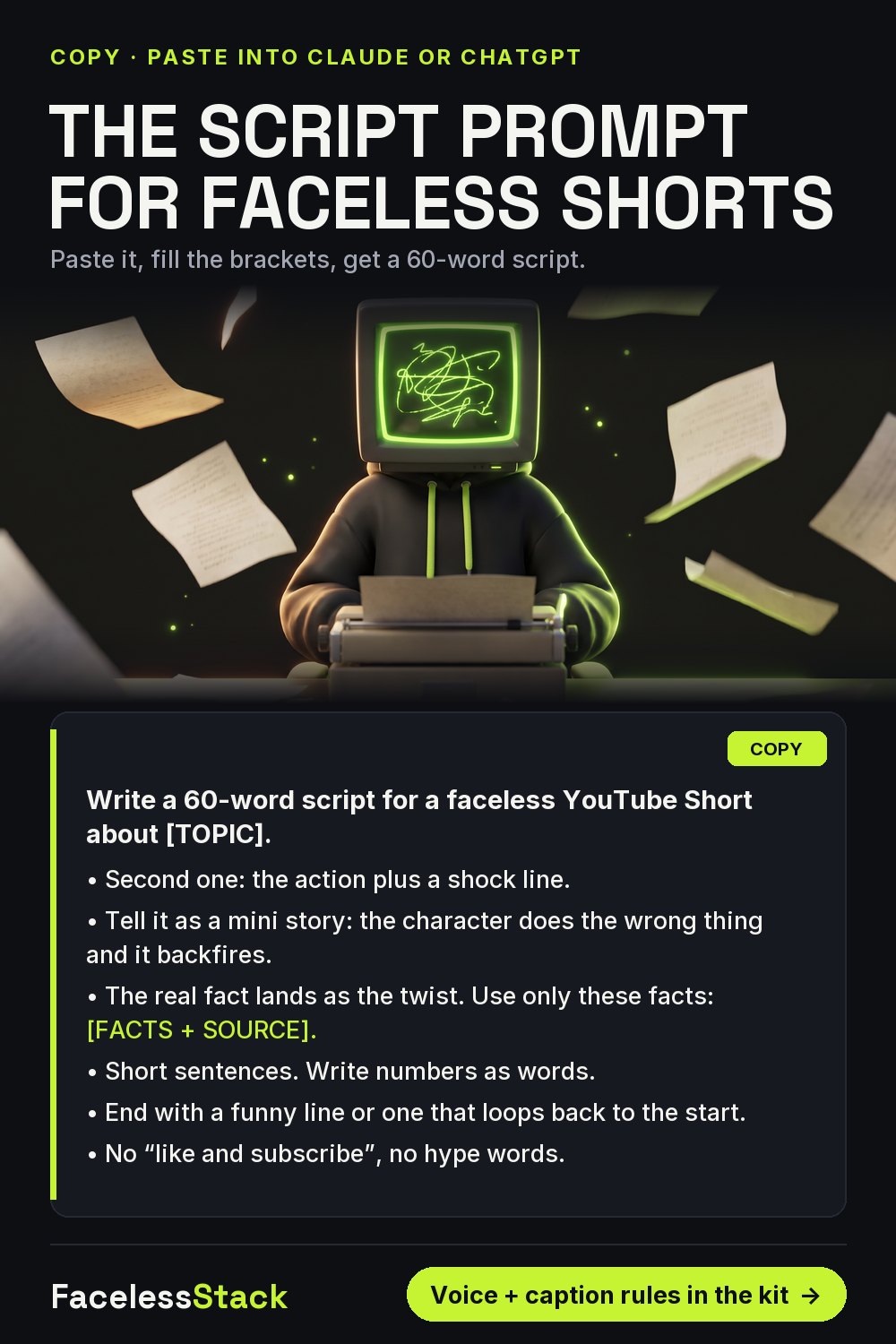
ChatGPT / Claude Prompt to Write Faceless YouTube Shorts Scripts
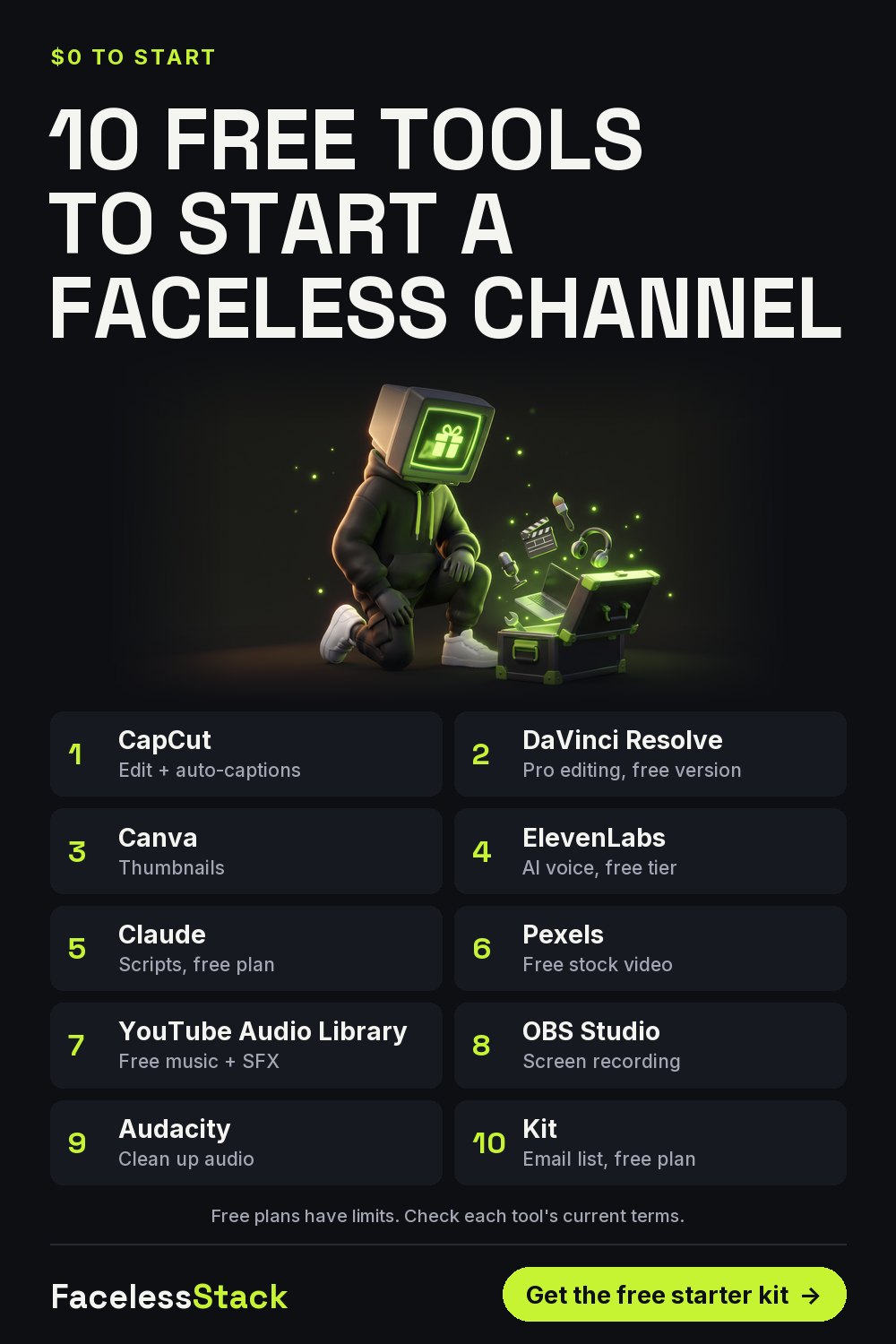
10 Free Tools to Start a Faceless YouTube Channel (2026)